

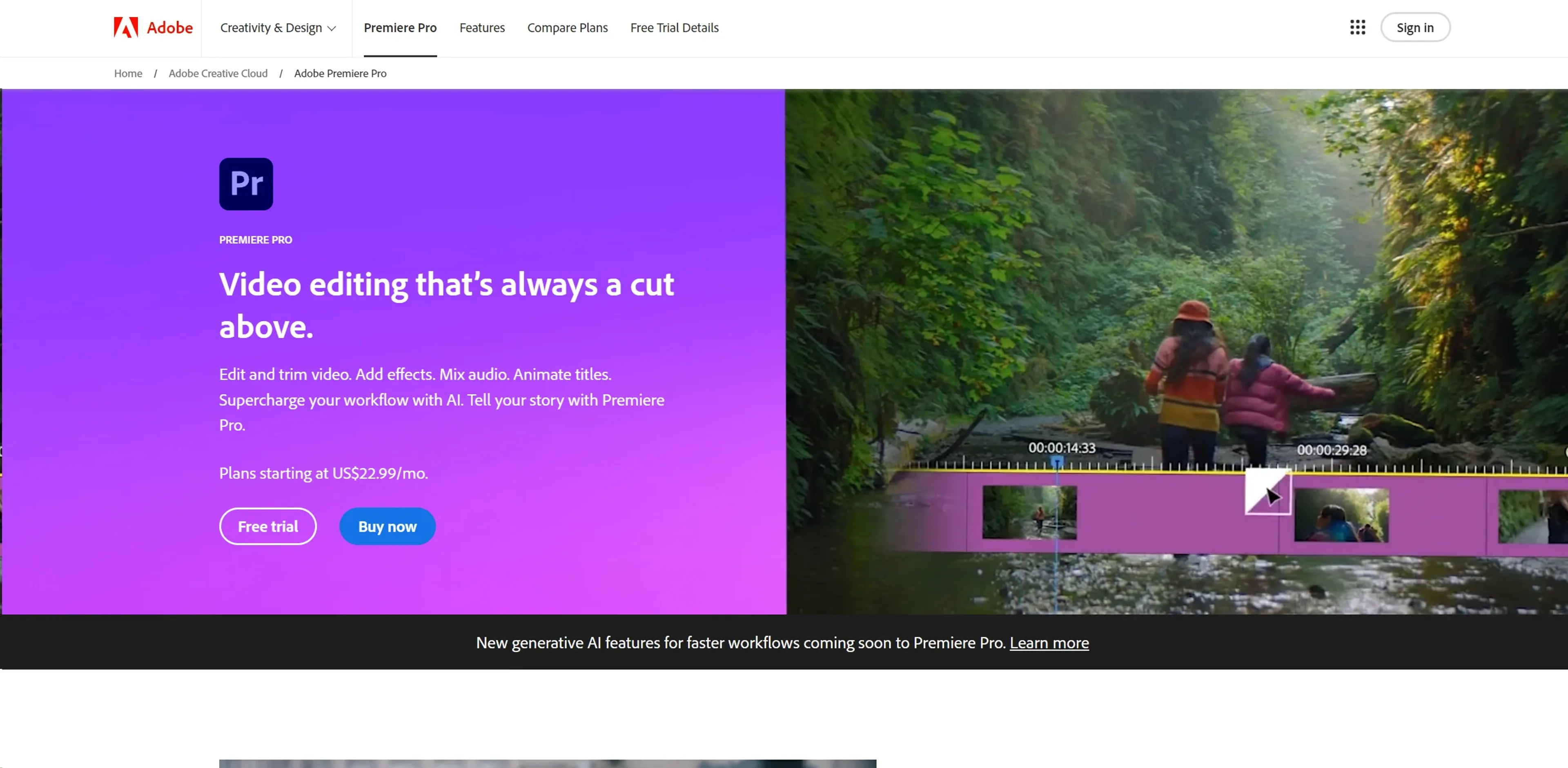
About Adobe Premiere Pro
Adobe Premiere Pro is a professional video editing software that combines advanced editing tools with AI-driven features. It offers precise timeline editing, text-based editing, auto transcription, and AI-powered color matching. Users can mix audio with professional tools, apply hundreds of effects, and auto-reframe videos for different social platforms. Designed for film editors, broadcast professionals, content creators, and event videographers, it supports collaborative cloud workflows and regular updates. While it has a steep learning curve and requires robust hardware, its comprehensive suite makes it a standard in the industry.
Key Features
- Advanced Editing Capabilities: Tools like three-point editing and Text-Based Editing ensure precise narrative crafting.
- AI-Enhanced Workflows: Automates tasks such as video auto-transcription and matching music beats with edited clips.
- Comprehensive Effects Library: Access hundreds of built-in effects and transitions for creating unique visual styles.
- Dynamic Audio Mixing: Professional audio tools for enhancing dialogue, reducing noise, and mastering sound design.
- Robust Color Correction: AI-powered color matching and grading tools for perfecting video tone.
- Flexible Aspect Ratio Adjustments: Auto Reframe maintains focus when changing aspect ratios, ideal for various social media platforms.
Pricing Details
- Individual Plan: Starts at $20.99 per month.
- Business Plan: Tailored plans for teams starting at $33.99 per month per license.
Pros
- Time Efficiency: AI features like Speech to Text and Auto Reframe save significant post-production time.
- High Customizability: Extensive effects, audio libraries, and powerful color grading tools offer limitless creative possibilities.
- Collaborative Features: Cloud-based workflows and team projects enhance collaboration among creative teams.
- Regular Updates: Continuous improvements and new features keep Premiere Pro technologically advanced.
Cons
- Complex Interface: Extensive features may be overwhelming for new users without proper training.
- System Requirements: Requires robust hardware for optimal performance, potentially limiting older hardware users.
- Subscription Model: Ongoing costs due to subscription-based pricing may accumulate over time.
Use Cases
- Film Editors: Crafting feature films and documentaries with advanced storytelling tools.
- Broadcast Professionals: Producing broadcast-quality videos for news and television.
- Content Creators: Creating engaging content for YouTube, Instagram, and other social platforms.
- Event Videographers: Editing wedding, corporate, and event videos efficiently.
- Uncommon Use Cases: Utilized in film and multimedia education; used in video art installations for creative exhibitions.